
AI trip planner
An AI-built itinerary,
tailored to you
Tell us where and when you're going, who's coming and what kind of trip you want, and AI builds a day-by-day itinerary. Then chat with AI to change it however you like.


Free on the App Store and Google Play
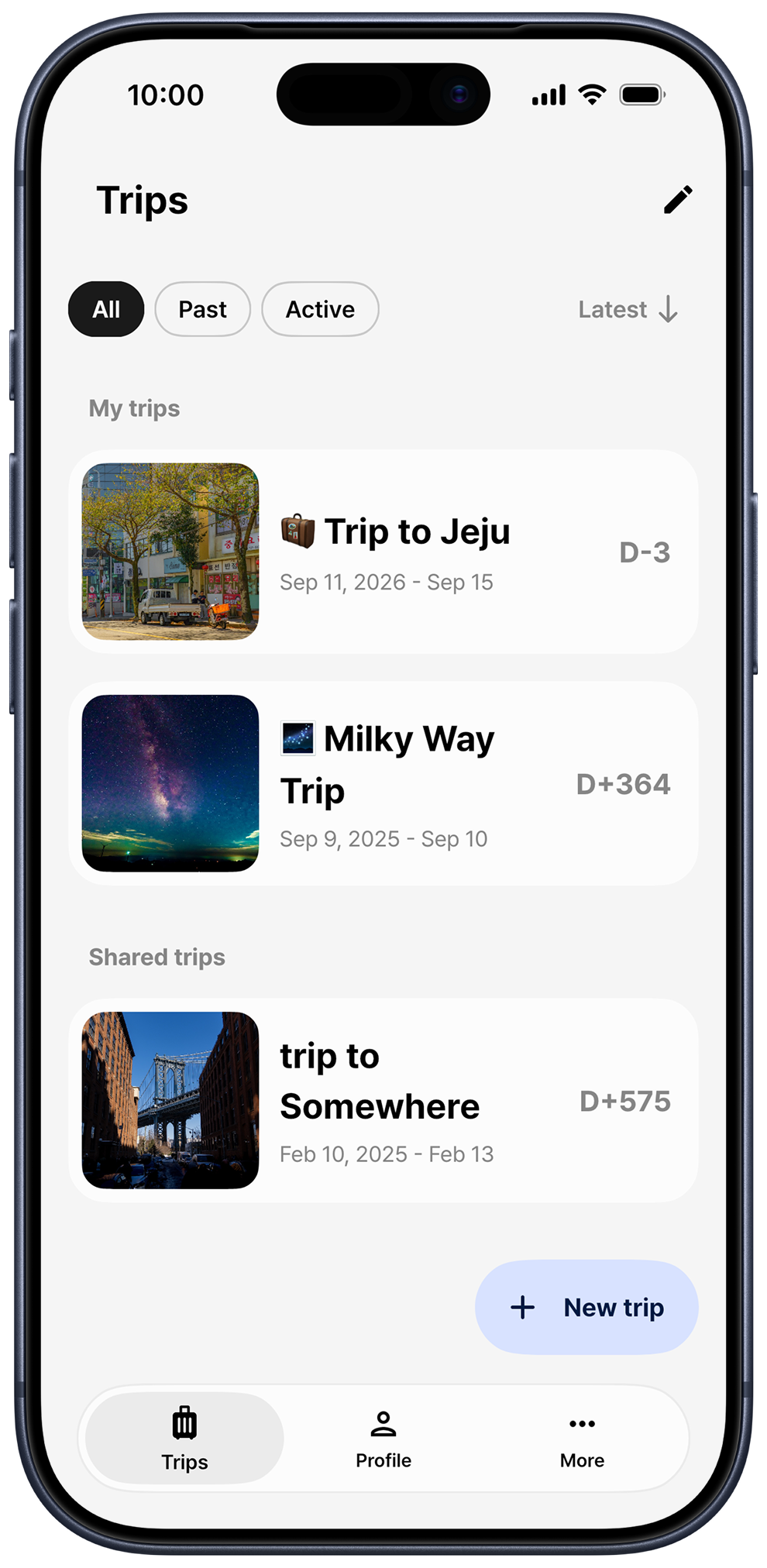
How to plan a trip with AI
Know where you're going but not where to start? Let AI get you started. Answer four questions and you'll get an itinerary you can edit right away.
-
Choose Plan with AI
When you create a new trip, tap Plan with AI instead of Plan manually. Then type the city or country you're visiting.
-
Set dates and companions
Pick your travel dates, then choose who you're traveling with: Solo, Partner, Friends or Family
-
Choose your trip type
Pick as many as you like from Cultural experiences, Historical sites, Exhibitions & Museums, Sports & Activity, Shopping, Relaxation & Healing, and Nature & Scenery
-
AI builds your days
AI picks well-known places at your destination and fills each day with stops, times and memos. Meals and lodging are included too, and sights are pinned on the map.
Edit your itinerary by chatting with AI
In edit mode on the trip screen, tap Edit with AI to open the AI itinerary editor. Ask things like “Recommend a cozy cafe for the afternoon,” “Switch to indoor spots for a rainy day” or “Optimize the route to save travel time,” and it adds places or changes the order and times based on your current itinerary. AI changes show up in edit mode first and are only kept when you tap Save.
Keep planning like any other trip
An AI-made trip works just like one you built yourself: add places, reorder them, invite friends and record expenses. You can also open the AI editor from a place's screen or from Saved items to edit or find places. AI writes your itinerary in your app language.
Made for travelers like these
-
Going somewhere new
Get a rough plan for each day, even if you don't know what's popular there
-
Short on planning time
A few taps give you a full itinerary, so you only tweak what you need to
-
Tweaking the plan as you go
Tell AI what to change to suit the weather or how you feel
-
Already have a wish list
Ask AI to find more places that fit, right from Saved items
Frequently asked questions
Is the AI trip planner free?
AI features use credits, which you can earn for free by watching ads. Somewhere Pro also includes credits every week.
Can I trust an AI-made itinerary as is?
Generated trips may contain incorrect information. Double-check opening hours and travel times before you go.
Do I need to sign in?
Yes, AI features work once you're signed in and connected to the internet
Are my expenses sent to AI?
No. Expenses, photos and trip mate information are never sent to AI. AI uses your itinerary's titles, place locations and memos plus your conversation.
More from Somewhere
Somewhere is a trip planner app that keeps your itinerary, route maps, expenses and settlement in one place
Plan your next trip with AI in Somewhere
Download Somewhere and create your first trip